Strategy game for iPhone · Offline · No ads
PlayCascade The Chain Reaction Strategy Game
One marble. One whole chain reaction.
Place marbles, make cells overflow and take over the board with a single cascade. Play a friend on one iPhone or challenge the AI in four levels.

Quick answer
What is PlayCascade?
PlayCascade is an abstract strategy game for iPhone. Two players take turns placing marbles on a grid. When a cell is full, it overflows, captures its neighbours and can set off an entire chain reaction. Whoever owns every occupied cell at the end wins. Play two-player on one device or against an AI in four levels – fully offline, no account, no ads.
Why PlayCascade
Easy to learn, hard to master
can flip everything
A single marble can start a cascade that turns the whole game around. No lead is ever safe.
AI levels
Easy, Medium, Hard and Expert – from your first game to a real challenge.
Ads, subscriptions, tracking
No ads, no account, no data collection. Just you, the board and the next move.
How it works
The rules in three steps
Place a marble
Put a marble on an empty cell or on a cell you already own.
Overflow
When a cell holds as many marbles as it has neighbours – corner 2, edge 3, centre 4 – it spreads them out. Every neighbour turns your colour.
Take the board
One overflow triggers the next. Own every occupied cell and you win.
App preview
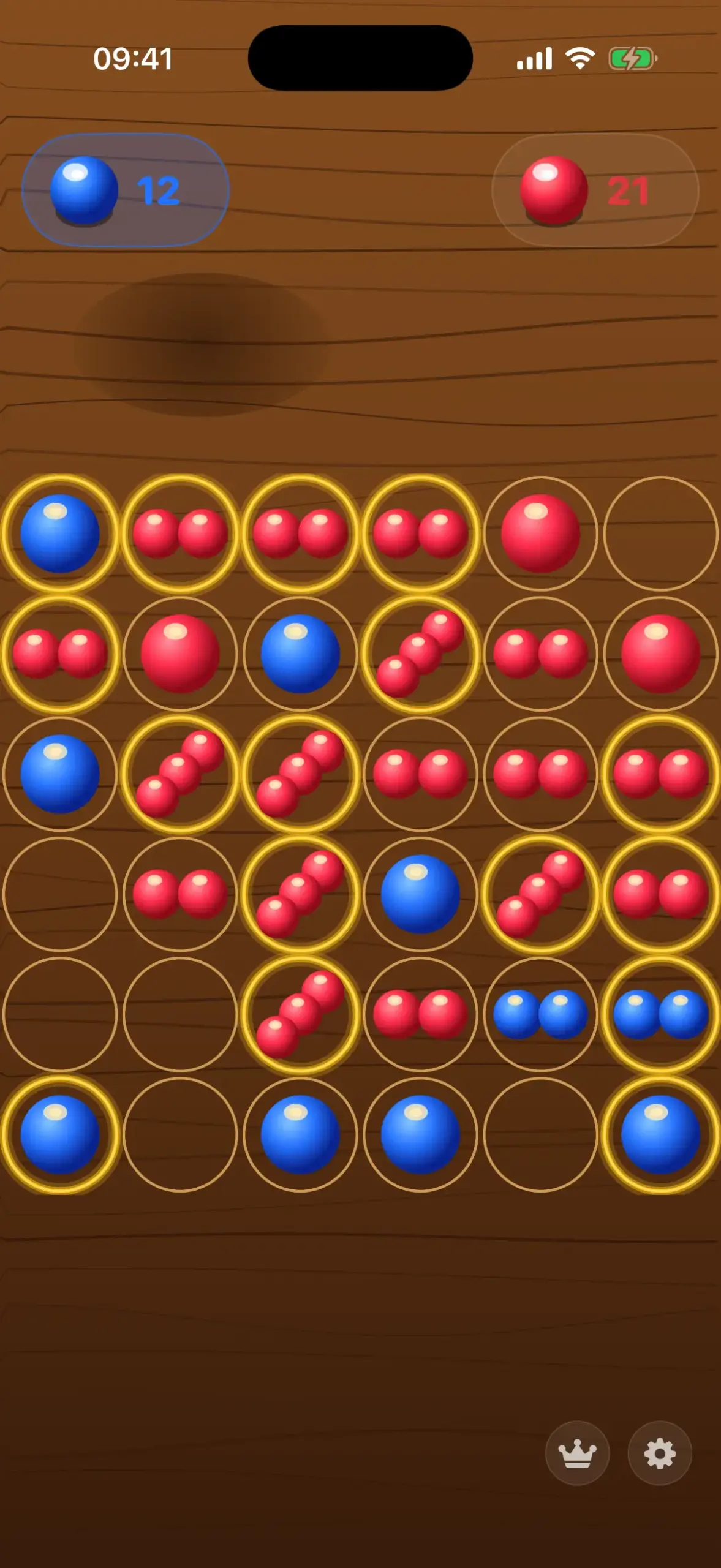
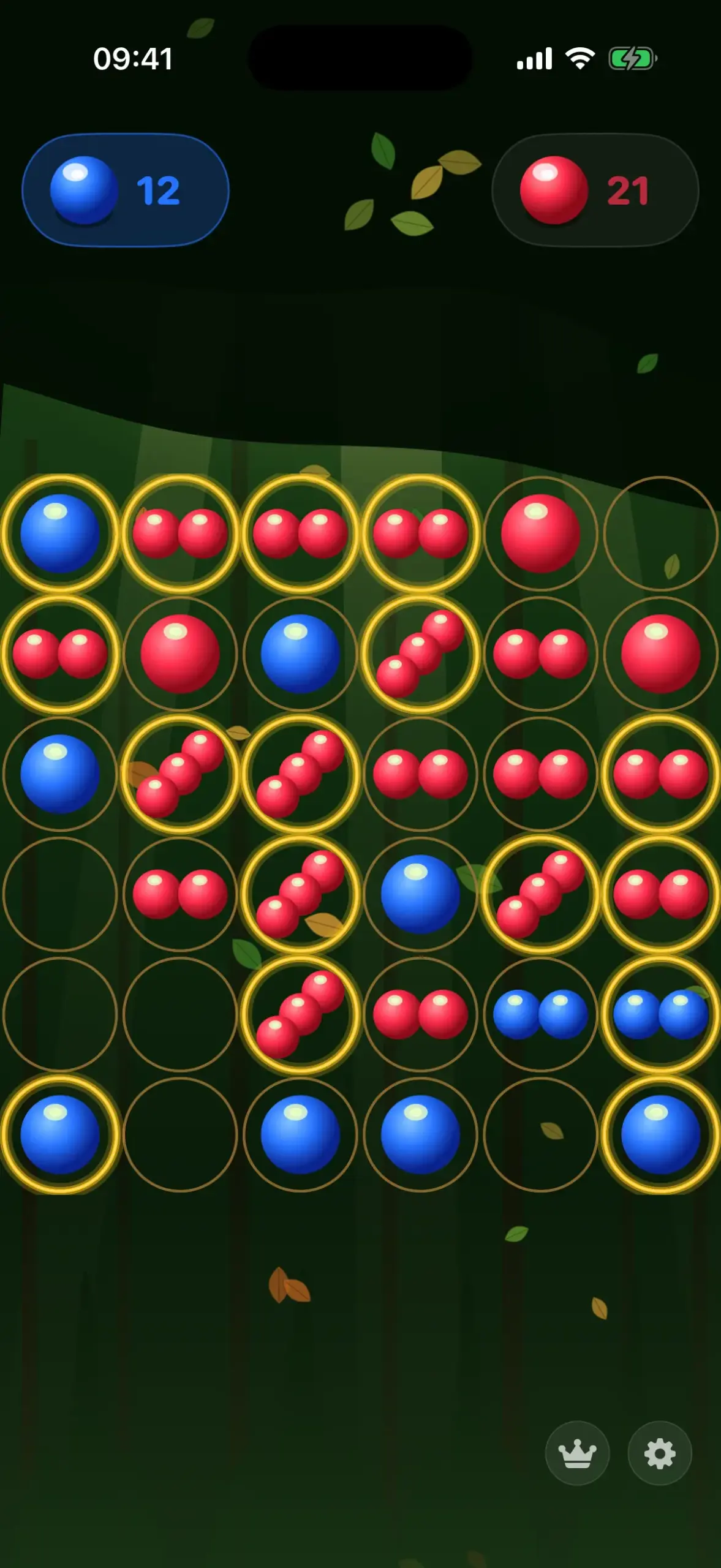
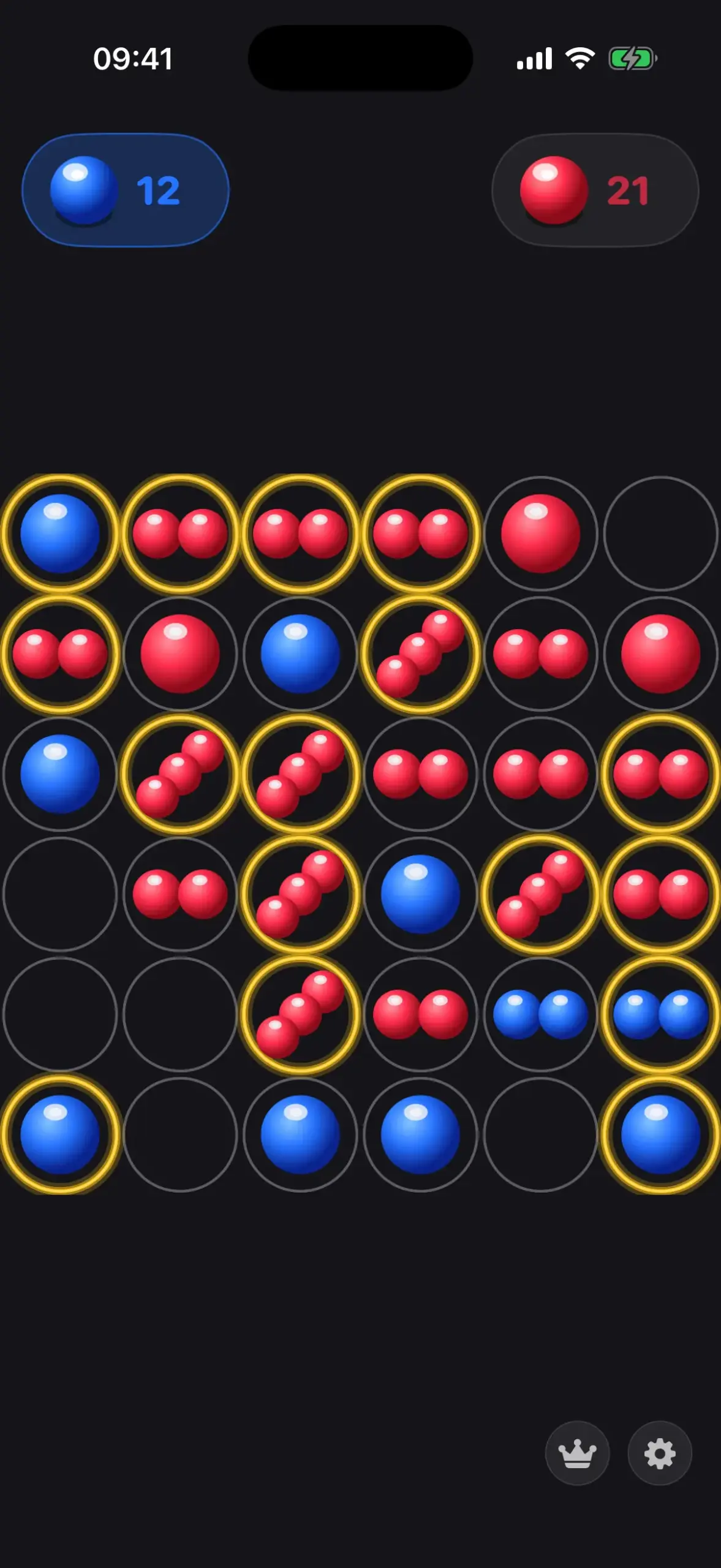
One game, many looks
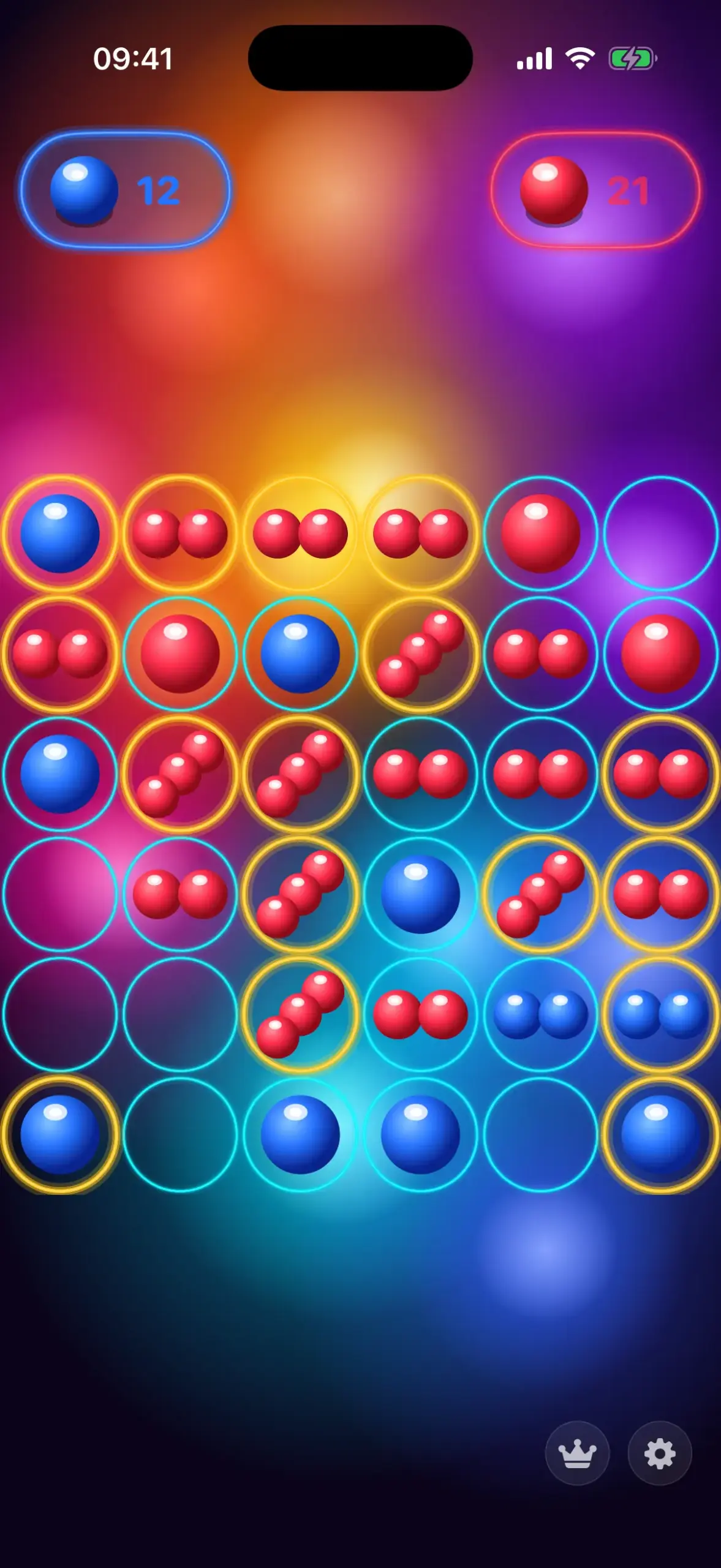
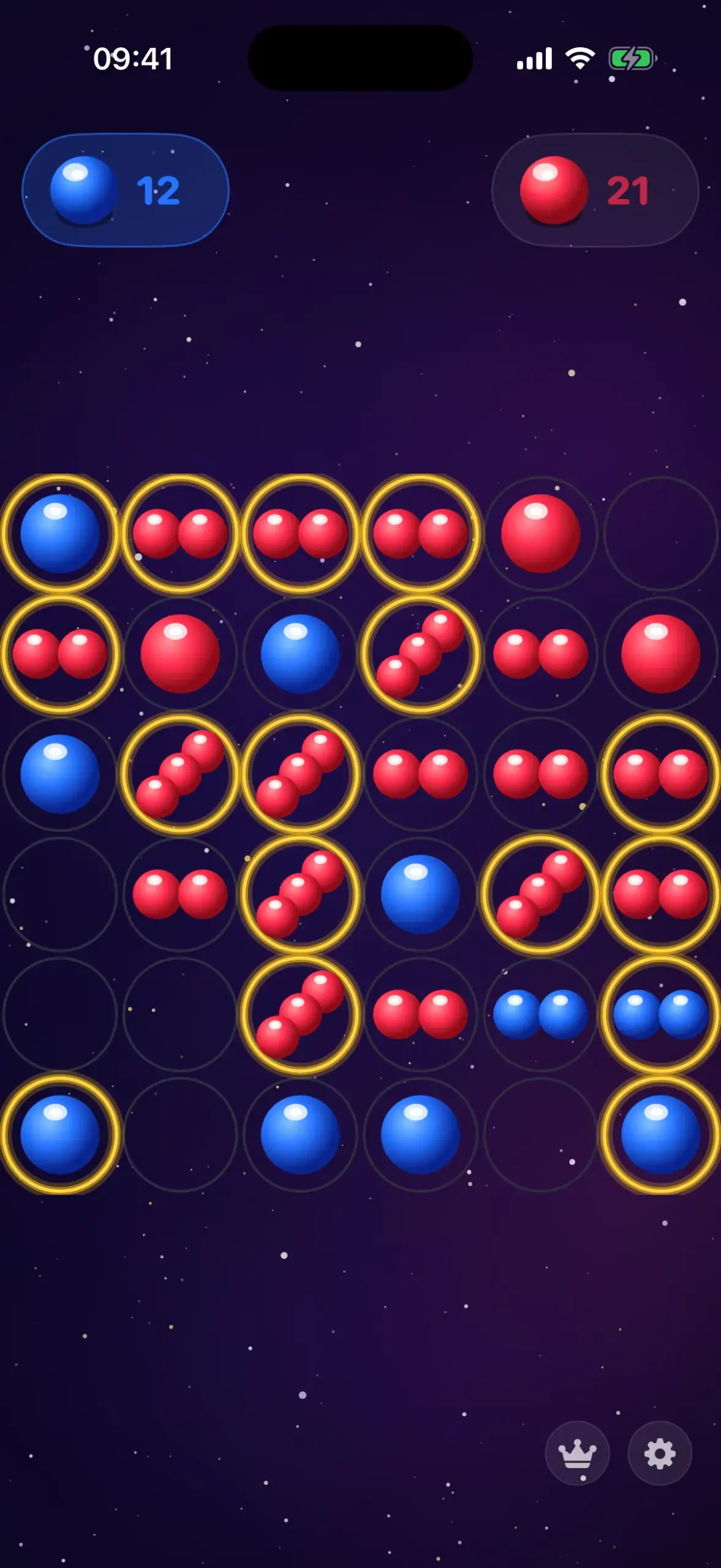
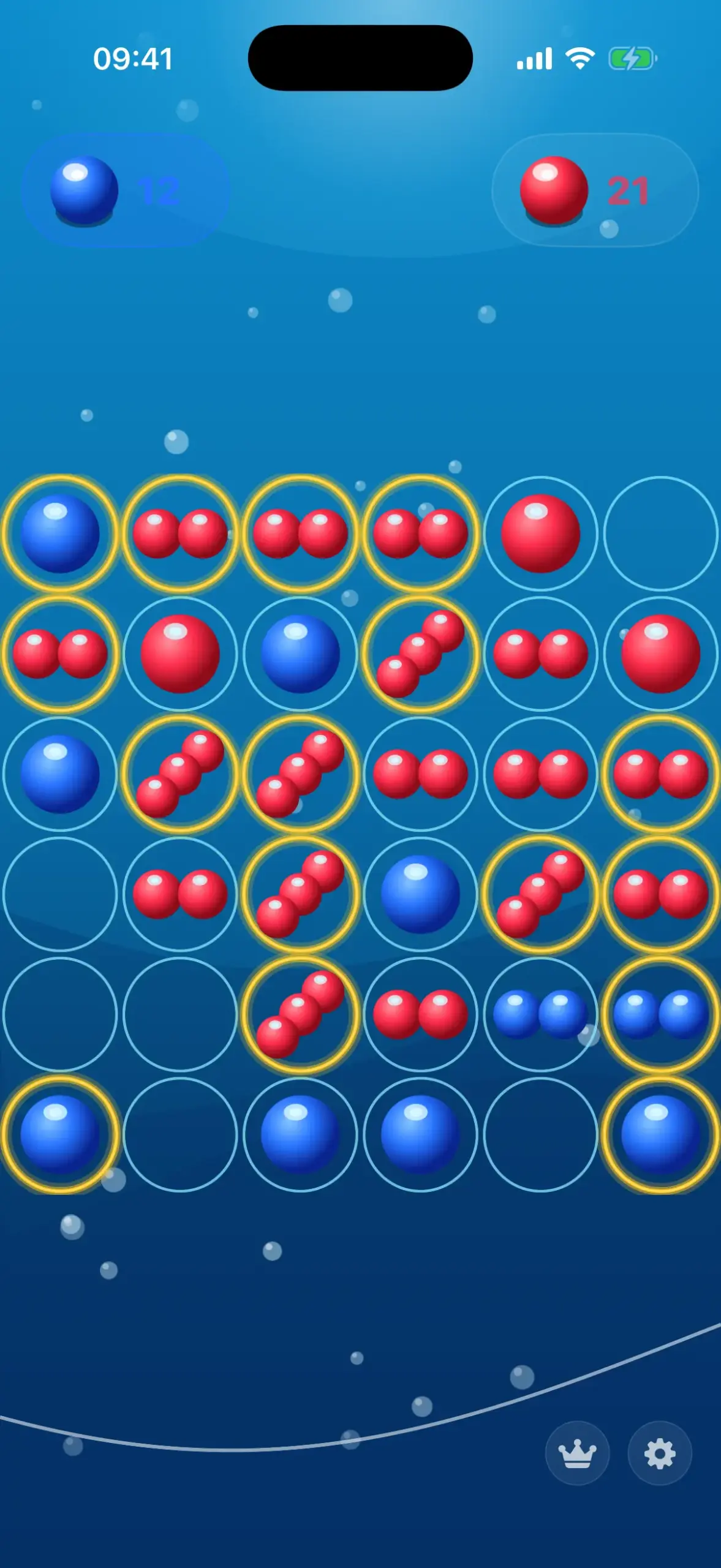
Every theme changes the background, the board and the marbles. New themes are added over time.
Features
Everything a good duel needs
Two players, one device
Put the iPhone between you and take turns. No Wi-Fi, no second device.
AI opponent in 4 levels
Play solo against the AI – from Easy to Expert.
3 board sizes
6×6 for quick games, 8×8 and 8×10 for long chains.
Cascades step by step
Every chain reaction is animated – cell by cell or level by level, automatic or tap to advance.
Stats and records
Wins, losses and records are saved for good.
Tutorial and auto-save
An interactive tutorial gets you started. Games save automatically.
Free or Pro
Play free, upgrade once
| Feature | Free | PlayCascade Pro |
|---|---|---|
| Board sizes | 6×6 | 6×6, 8×8, 8×10 |
| AI levels | Easy, Medium | Easy, Medium, Hard, Expert |
| Themes | Galaxy | Galaxy, Wood, Neon, Minimal, Ocean, Forest – plus all future themes |
| Marble colours | All 5 | All 5 |
| Two-player, stats, tutorial, auto-save | Yes | Yes |
| Ads, subscription | None | None |
PlayCascade Pro is a one-time in-app purchase – no subscription. The price is shown in the App Store for your country.
Guides
More about PlayCascade
The rules explained
Place, overflow, capture – in short.
Read guide →Strategy tips
Corners, edges and how to set up cascades.
Read guide →Two players, one iPhone
One device, two players, no Wi-Fi.
Read guide →No ads, offline
No account, no ads, no subscription.
Read guide →AI opponent compared
Easy, Medium, Hard, Expert – what is behind them.
Read guide →The 6 themes
Galaxy, Wood, Neon, Minimal, Ocean, Forest.
Read guide →FAQ
Frequently asked questions
Is PlayCascade free?
Yes. You play free on the 6×6 board against AI Easy and Medium with the Galaxy theme – two-player mode included. PlayCascade Pro is a one-time in-app purchase that unlocks AI Hard and Expert, the 8×8 and 8×10 boards and all premium themes. No subscription, no ads. Learn more →
How does PlayCascade work?
Players take turns placing marbles on empty cells or cells they already own. When a cell holds as many marbles as it has neighbours – corner 2, edge 3, centre 4 – it overflows: each neighbour gets one marble and switches to your colour. That can trigger further overflows. You win when every occupied cell is yours. Learn more →
Can I play against a friend?
Yes. Two players share one iPhone and take turns – no Wi-Fi, no account. Learn more →
How strong is the AI?
There are four levels: Easy, Medium, Hard and Expert. Easy and Medium are free; Hard and Expert are part of PlayCascade Pro. Learn more →
Do I need an internet connection?
No. PlayCascade works fully offline, needs no account and collects no personal data. Privacy Policy →
Which devices are supported?
iPhone with iOS 18 or later.
Which languages are available?
English and German.
I got a new iPhone – do I have to buy Pro again?
No. Tap “Restore Purchases” in the settings and Pro is unlocked again with the same Apple ID.
Ready for your first cascade?
Download free and start playing – offline, no account, no ads.